
Last updated: August 2025
INTRODUCTION
This guide has been created for the Year 9 Geography Assessment on the topic of
Food Security
“Food security is defined when all people, at all times, have physical and economic access to sufficient safe and nutritious food that meets their dietary needs and food preferences for an active and healthy life” (World Bank Group, n.d.).
FOOD INSECURITY
Food insecurity is defined by the Food and Agriculture Organization (FAO) of the United Nations as the “situation when people lack secure access to sufficient amounts of safe and nutritious food for normal growth and development and an active and healthy life.”
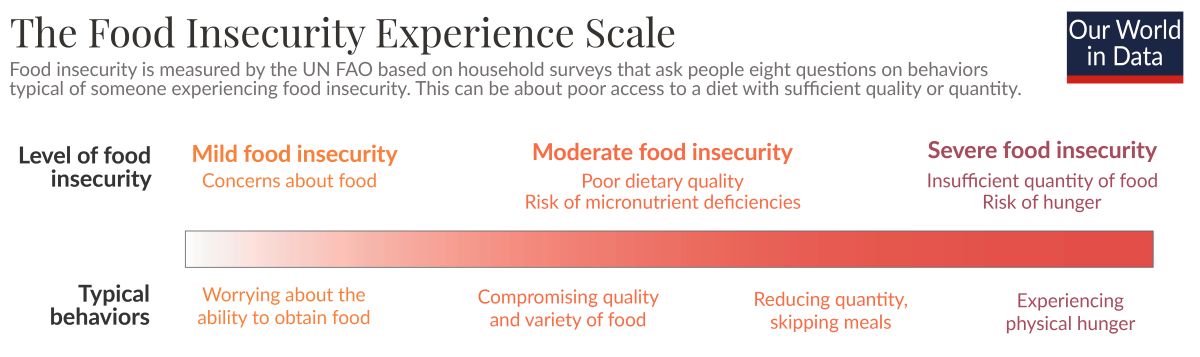
Source: Our World in Data
HUNGER MAP
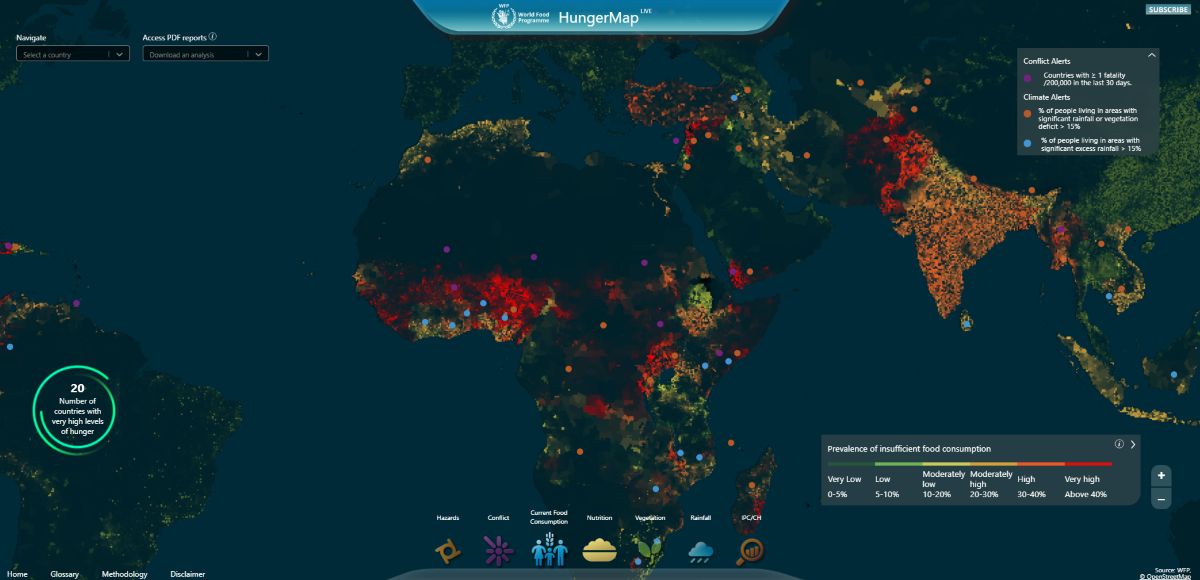
Click here or on the above Hunger Map to view an interactive map showing areas of insufficient food consumption around the world.
Source: World Food Programme
BOOKS
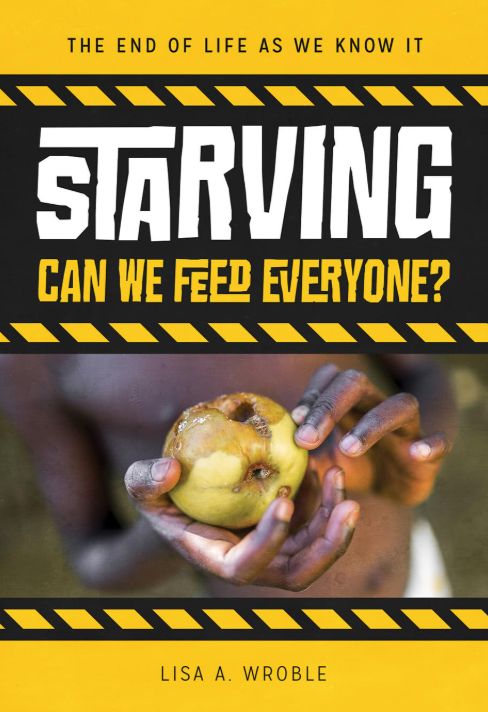
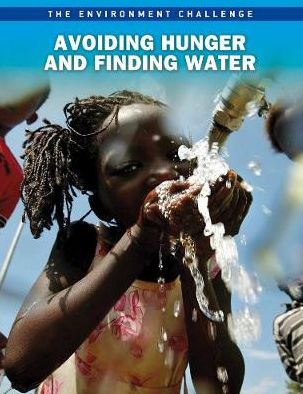
Click the book cover below to view the book details in the Library Catalogue.
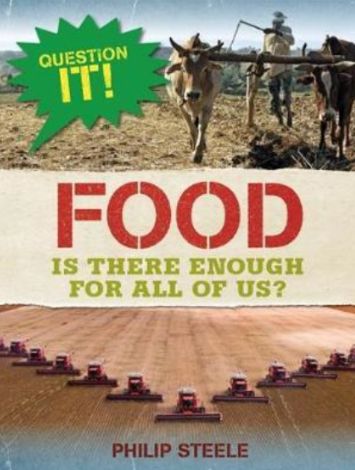
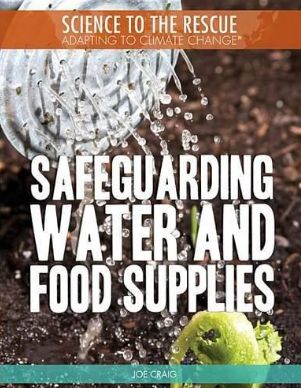
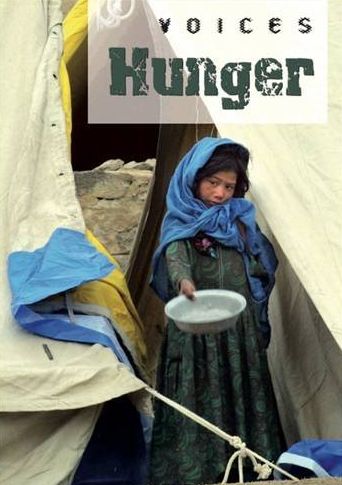
VIDEOS
Watch the videos below to introduce you to the concept of food security.
Canadian Foodgrains Bank. (2019). What is Food Security? [Video]. YouTube. https://www.youtube.com/watch?v=8c5ZN7BseNA
Food and Agricultural Organization. (2023). The state of food security and nutrition in the world 2022 [Video]. YouTube. https://www.youtube.com/watch?v=9rkE-gAUhBk
FuseSchool – Global Education. (2021). Food security [Video]. YouTube. https://www.youtube.com/watch?v=lsT246IrNxg
World Bank. (2023). Global Food Crisis Finding Solutions with the Global Food and Nutrition Security Dashboard [Video]. YouTube. https://youtu.be/UC8-vRSFPIs?si=wEeAWuR0I_lEZ0D7
World Bank. (2023). What Is Food Security and How Is the World Bank Supporting the Most Vulnerable Households? [Video]. YouTube. https://youtu.be/IKhx2MuvVwo?si=GlDrf2gN3SQx5J_x
United Nations. (2022). Why are so Many People going Hungry? [Video]. YouTube. https://youtu.be/Ke06QUfOeTE?si=odprV_huDgHSvaLY
Suggested Countries
You could choose one of the following countries below to research
or use the Global Food Security Index to select a country for your report.
Note: The countries listed below are linked to their World Food Programme webpage, unless noted otherwise.
Use the Inquiry Process Menu to help guide you through each stage of the inquiry process.
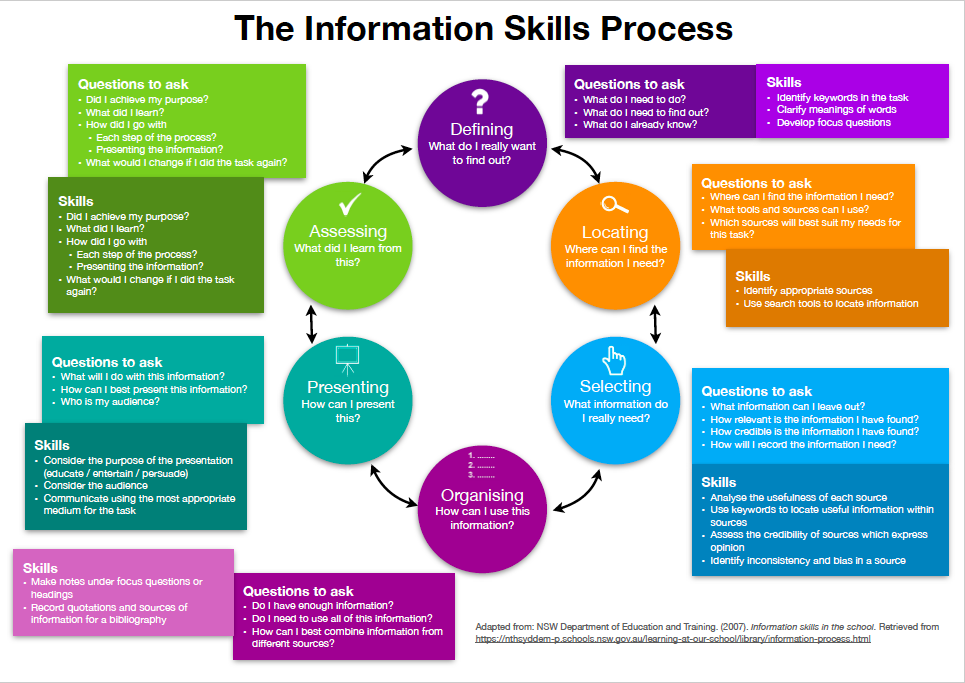
Define the task and Develop your focus questions
Define the Task
During this step you need to ask:
-
- What exactly do I have to do?
- What do I already know?
- What do I have to find out?
- Can I choose the presentation format? If so, what is the best way to present my information?
- Who will be the audience for this task?
- How am I going to be marked for this task?
- For more detailed assistance of this stage of your research process: CLICK HERE
Develop your Focus Questions

Create focus questions so you don’t get sidetracked in your research.
Consider the following criteria when creating your questions:
- Make your questions/ sub-topics relevant and specific to the main focus areas:
- 1. Cause/s of food insecurity
- 2. Impacts of food insecurity
- 3. Solutions to create food security
- Create Level 3 questions. See the video below for an explanation.
- Don’t worry if you need to revise your questions. You may need to narrow or broaden you questions so you can find answers.
Need help developing questions?
For further support of this stage of your research process go to:
Review your questions and check that they meet the criteria listed above.
You can check your questions with a peer and/ or your teacher or teacher-librarian.
Once you have done this write your questions in your note-taking space ready to start gathering you information.
Locating and Selecting Sources of Information
Locate and select resources.
With your focus questions providing direction, the purpose of this stage of your research is to gather detailed information from a variety of sources that will help you answer your questions. There are two steps to this part of your inquiry:
1. Go Broad – locate information
2. Go Deep – select information
1. Go Broad – LOCATE a variety of sources of information.
Use the resources at the beginning of this page to help you locate a range of sources that will be useful to answer your questions. You will need to use effective searching techniques.
When locating information consider:
What sources of information are available?
- Print: books (including texts, biographies, encyclopaedia), magazines, posters
- Digital: online encyclopaedias, ebooks, online databases websites, statistics
- Audiovisual: videos, audio cassettes, documentaries, maps
Where do I find these sources?
- School, Public or State libraries
- Library eResources
- Free Internet
How do I locate the information?
Using your keywords as search terms (see you questions) use the tools below in the following order:
- Check the Library Pathfinder/ Research Guide on the topic – Is there a subject guide? See the suggested countries under each region.
- Search the Library catalogue using keywords. You may be able to locate other books, websites, ebooks and ClickView videos. Access the digital resources anywhere!
- Search the library eResources. Are there any digital resources via the eResources page that may be useful?
- Search the free Internet to find other online resources (i.e Google) if you still need answers to your questions.
Note: Searching the internet should be your last choice.You will usually find that a Teacher Librarian made Course Guide or the library catalogue has already recommended some reliable websites and online videos.
If you do search the Internet using Google or another search engine, use these links to access some great resources to help you improve your own online research skills.
Online Research Skills by ClickView
You may need to refine you search strategy by broadening or narrowing keywords. Use Google advanced search or inverted commas with more than one word.

More tips for effective searching.
2. Go Deep – SELECT the most useful resources to read in more detail.
- Skim & Scan to find relevant information in each source of information
- Need help to know how to Skim and Scan? Check out the poster.

When SELECTING information consider:
How do I know if the information source is relevant?
- Scan the contents page, the text box information, the contents and index
- Scan these pages looking for keywords or phrases.
- Skim read the text
Is the information source credible? Is it accurate? Is it biased? What has been omitted?
- Compare resources
- Remember to critically evaluate information on the internet. We suggest using the CRAAP test and/or the SIFT method.
For further support of this stage of your research process go to:
Organise your Information – Notetaking
Record your notes/ evidence
Choose specific and important information within these resources to answer your questions.
Use your note-taking framework to summarise, paraphrase, quote, record evidence and interpret the information you read.
Tip: You need to concentrate more during this stage.
Think about:
- How can I best organise this information? Have I:
-
- made notes under my focus questions or organised my notes to match them?
- recorded details of my sources of information for my Reference List/ Bibliography?
-
- Do I have enough information to answer my questions with details and evidence?
Select a suitable note making method of recording the information you find.
Write down the relevant notes in the note making format you have chosen.
Reference your information sources
Write down where you got your information from in a Reference List/ Bibliography.
-
- Practice In-text referencing in your report to show where you have used sources of information.
- Create an end-text reference list. Refer to the MLC Referencing Guide to help you create your reference list.
What referencing system does MLC use?
- APA – 7
- Author date system
- 7th Edition
- Basic format:
Author/creator. (Date). Title. Where it is from, i.e. publisher, URL
- List all references in alphabetical order in one list
Where can I get help with my referencing?
- MLC Referencing Guide (APA Referencing 7th Ed – Made easy)
This can be downloaded and stored on your device - You Teacher or Teacher Librarian
- Use the Online Catalogue and databases to help you gather the information you need
- Word has an inbuilt referencing tool. Click HERE to find out more.
- Online Reference Generator
- Citefast – set up a free account using your MLC email address.
Make sure to to double check the MLC Referencing Guide when using Citefast to make sure you are referencing correctly.
Your Presentation
Report Writing (coming soon)
Evaluation
Assess how well you think you went and set goals to improve how you work on future inquiry tasks.
See your research booklet.
Reference List
World Bank Group. (n.d.) What is food security? https://www.worldbank.org/en/topic/agriculture/brief/food-security-update/what-is-food-security